How it works

One run and one opportunity, in order.

Five steps take a phone photo to a change in your store. Each panel below is the real interface, on one photo of a satchel and one description in an example store.

From photo to store5 steps
  • 01 · ReadFacts marked seen in the photo or needs you
  • 02 · GenerateThe cost quoted before the run
  • 03 · ReviewEvery image stamped AI · generated
  • 04 · ApproveThe current version beside the proposed one
  • 05 · Undo24 hours to put it back
01Studio · Read

Emdepo reads your photos.

Emdepo lists the facts it can see in each photo. Every fact is marked seen in the photo or needs you. What it cannot see, it asks you for and will not guess.

01Photos
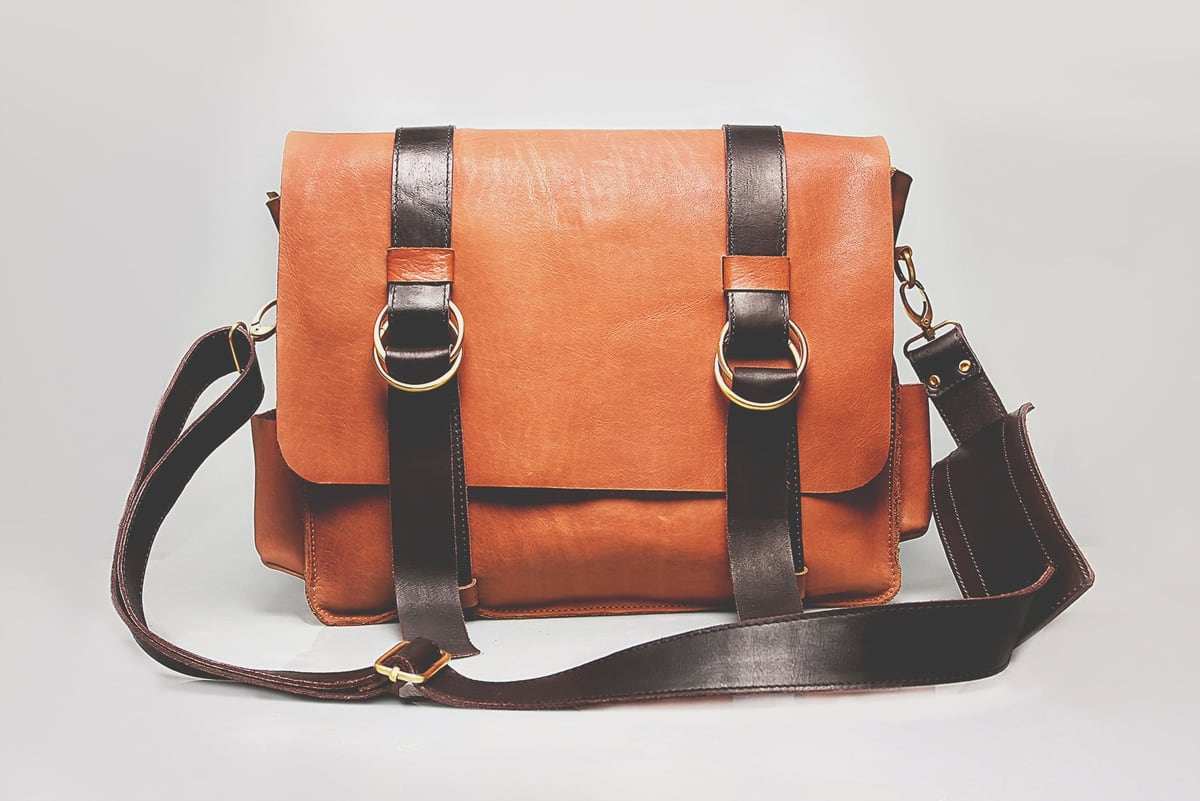
Phone photo of a tan leather satchel on a grey backdropYour photo

IMG_4127.jpg · primary · source check passed

02Read1 needs you
Leather satchelEdit
MaterialTan leather
seen in the photo
StrapsTwo buckle straps
seen in the photo
HardwareMetal rings
seen in the photo
CarryAdjustable shoulder strap
seen in the photo

Not visible in the photo. Emdepo will not guess it. Leave it empty to keep it out of the listing.

04GenerateNot started
Gallery · 6 images55
Listing copy2
Ads · 1:1, 4:5, 9:1630
87 credits

Quoted before the run.
Not spent until it finishes.

Stages
Cut out product
Compose six scenes
Write listing copy
Crop ads
Run · 87 credits

An output that fails is not charged.

02Studio · Generate

The cost comes before the run.

The Generate step lists what it will make and what each part costs. Listing copy, a six-image gallery and three ads come to 87 credits. Nothing is spent before you start the run, and an output that fails is not charged.

03Studio · Review

You review every image.

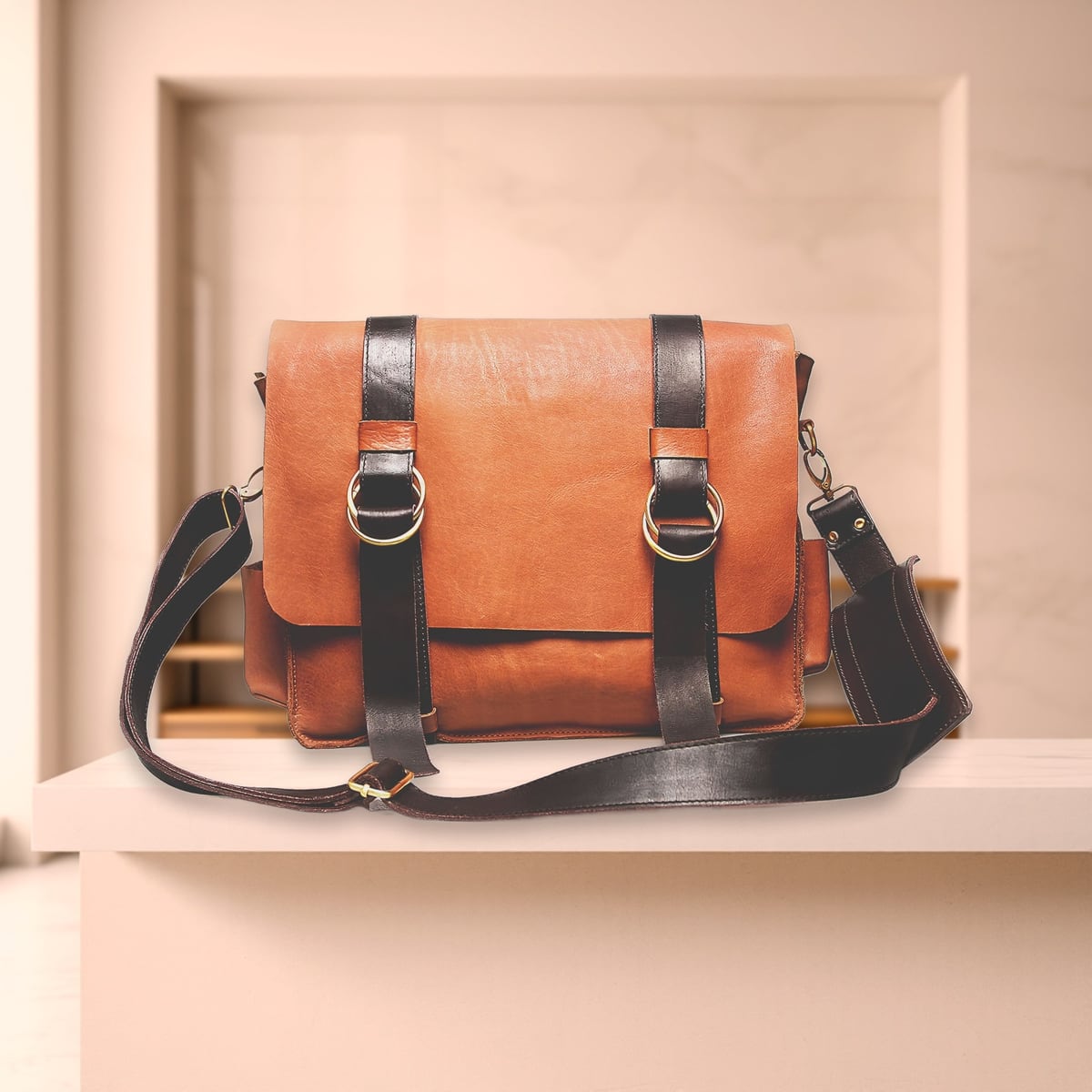
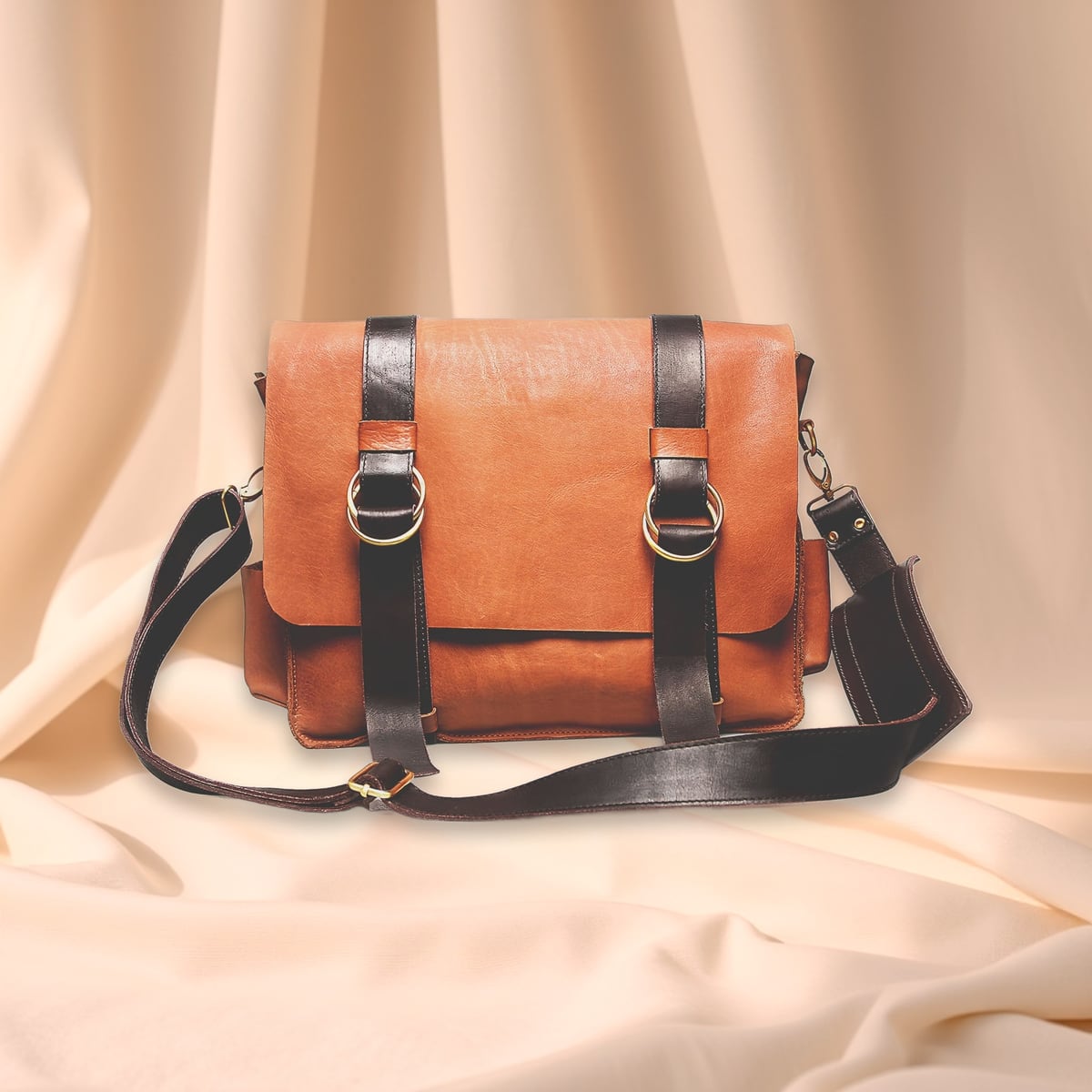
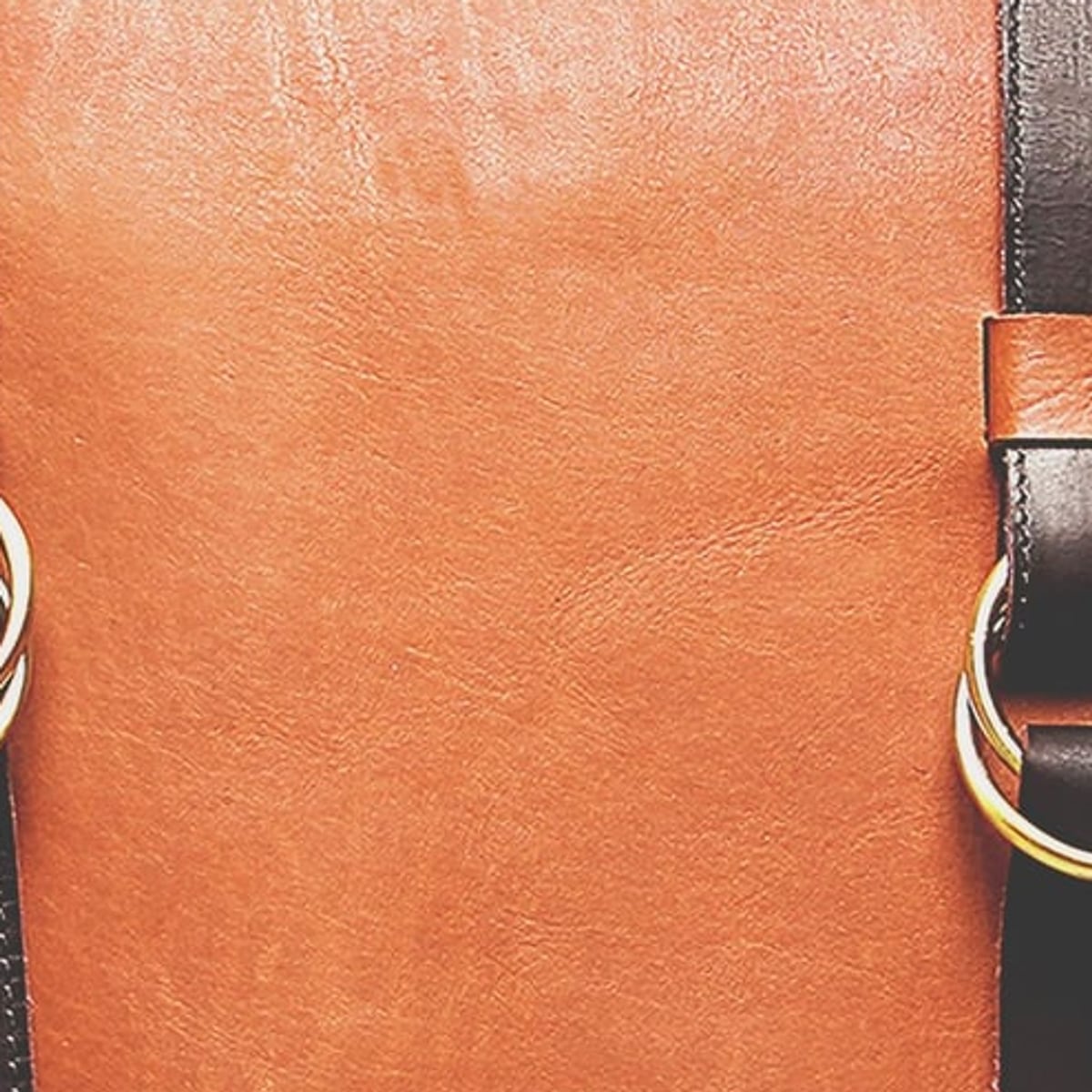
The gallery fills in, composed around your product's own pixels. Every image carries the stamp AI · generated. You keep, discard or redo each one, and a redo shows its cost first.

05ReviewGallery · 6 images6 of 6 kept
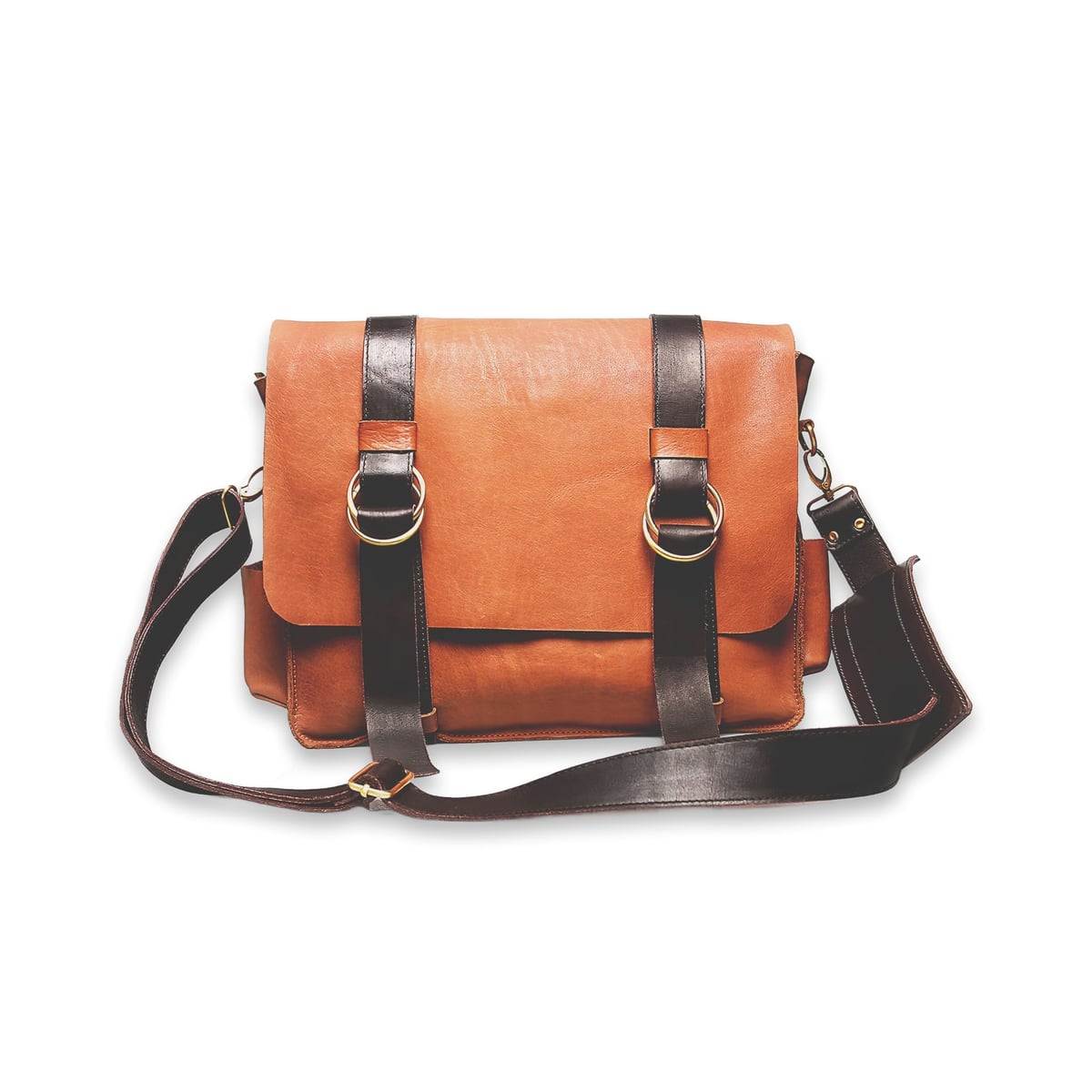
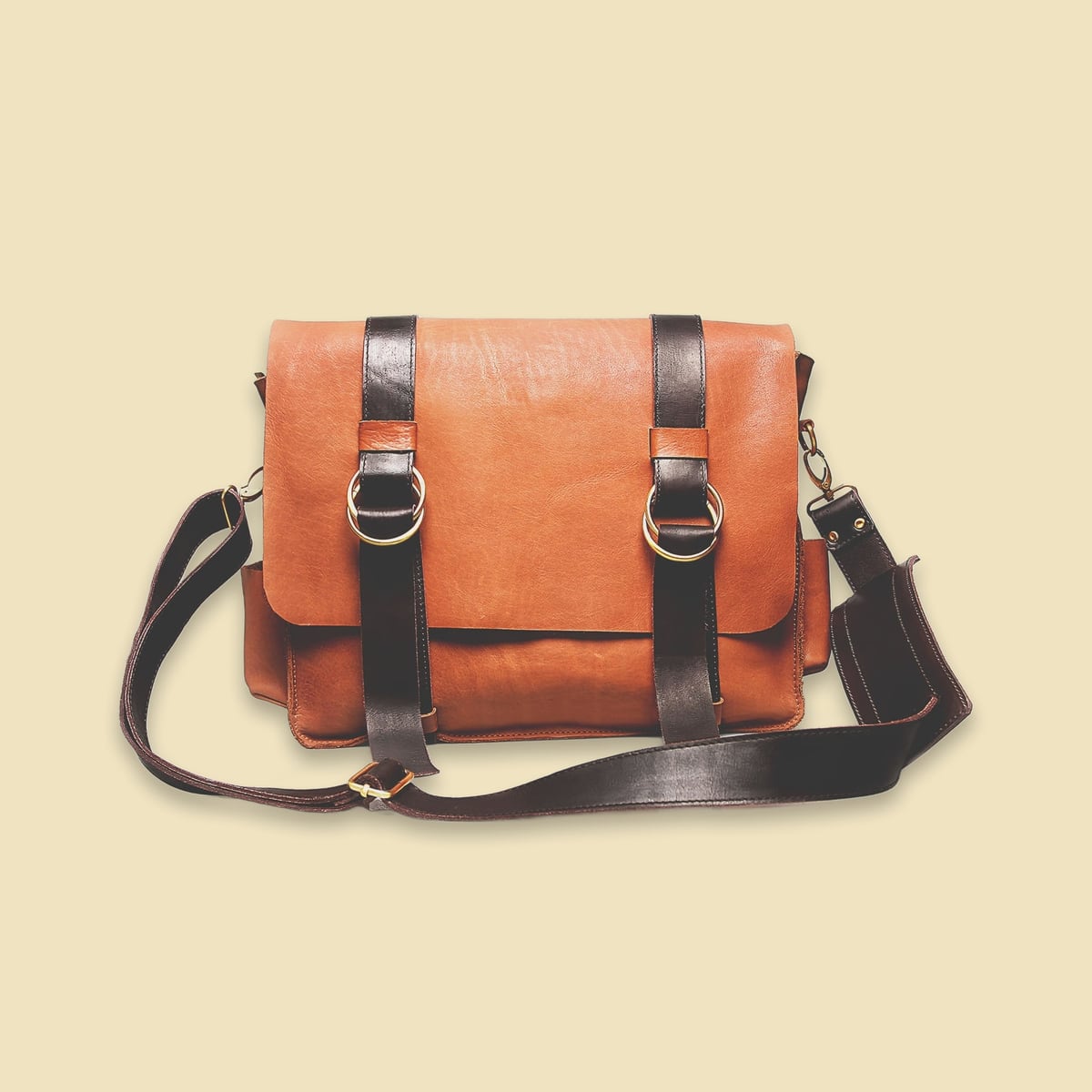
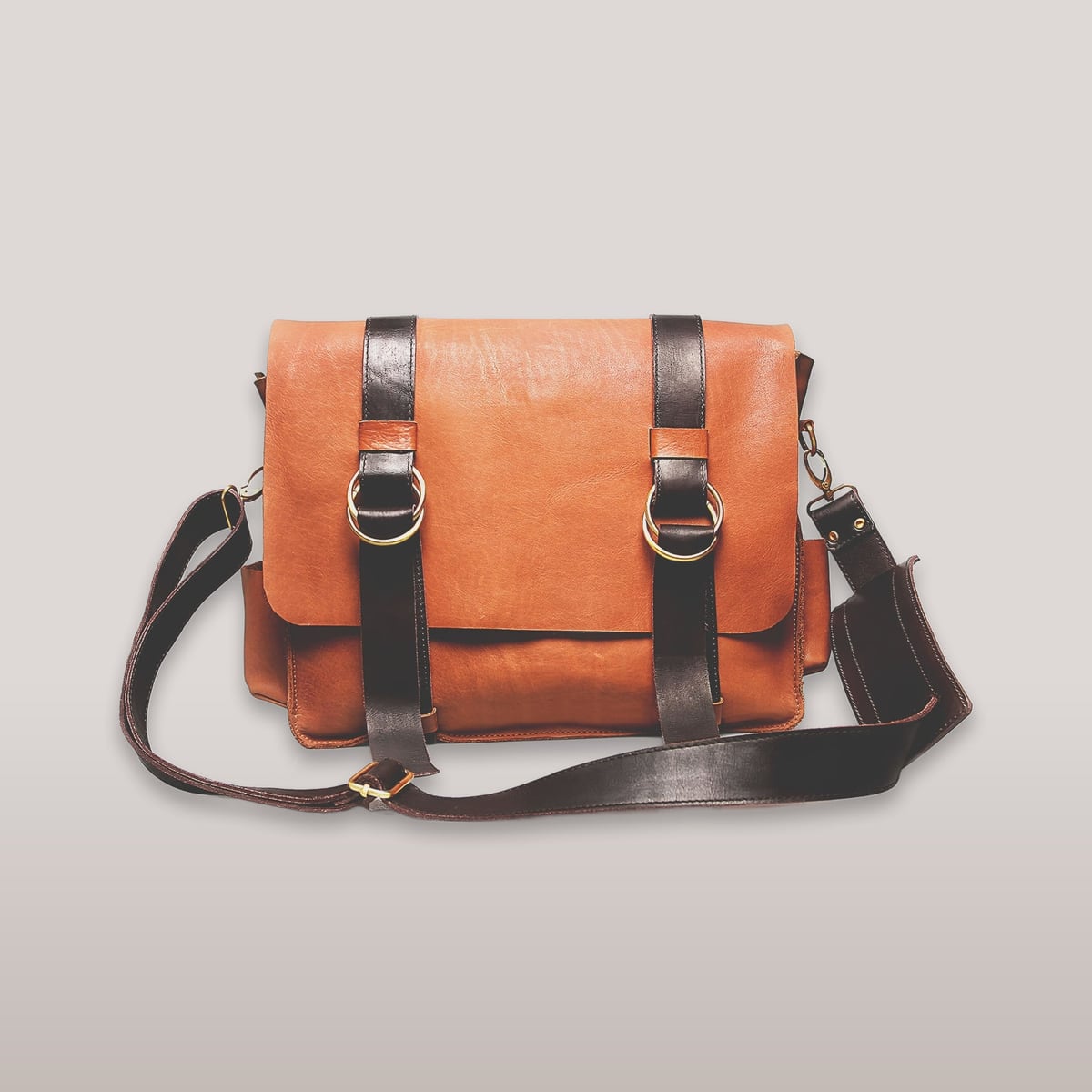
Satchel, clean studioAI · generated
Satchel, colour fieldAI · generated
Satchel, grey studioAI · generated
Satchel, counterAI · generated
Satchel, linenAI · generated
Satchel, detailAI · generated
DiscardRedo · 10 credits

Kept images wait for your approval. Nothing has reached the store.

04Actions · Approval

You see the change before your store does.

Every change waits in Actions with the current version beside the proposed one. Added words are highlighted, removed words are struck through, and each new fact says where it came from. Nothing reaches your store until you approve it.

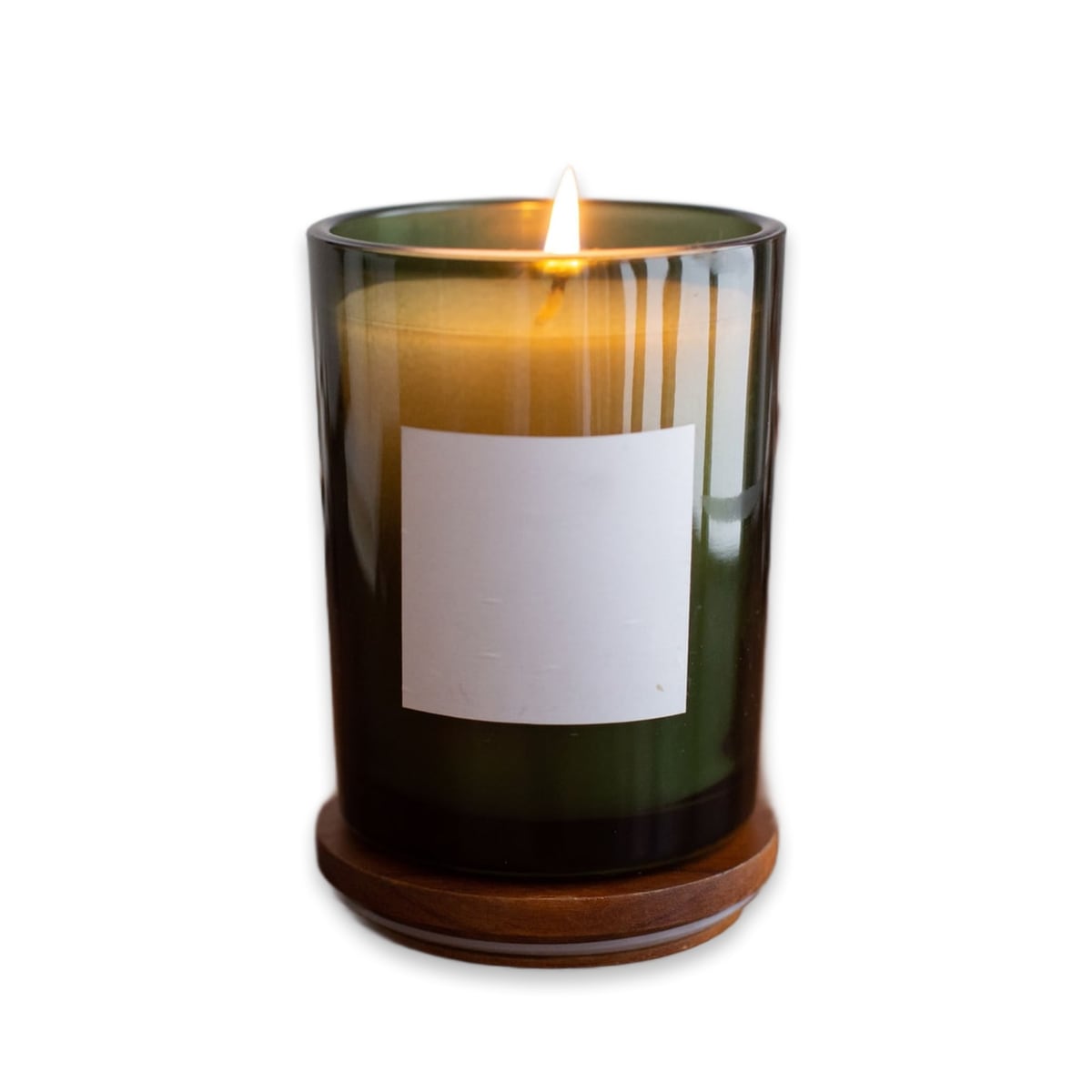
Candle in green glass
Update descriptionCandle in green glass · from the opportunity “Thin descriptions”
Ready

Current in your store10 words

Green glass candle. Smells nice. A good gift.

Proposed25 words

Dark green glass candle with a blank white label on a wooden base, poured in soy wax. Light it for a slow evening at home.

seen in the photo · dark green glassseen in the photo · blank white labelseen in the photo · wooden basefrom your store · soy wax
Cost 2 credits, shown before anything runsUndo for 24 hours after publishing
RejectEditApprove and publish
ActionsPublished
Candle in green glass
Update descriptionCandle in green glass · 2 credits
PublishedUndo for 23:59:59
Emdepo keeps what was there beforeUndo
05Actions · Undo

You can undo it for 24 hours.

Every published change can be undone for 24 hours. Emdepo keeps what was there before, so an undo puts your store back as it was. The time left is shown beside each change.

Waitlist

Give it a few photos. Keep the last word.

Join the waitlist. We write when your workspace is ready.

Email only. No store address needed.